
NEWS
Chrome Will Copy Tab Group Links in One Click
Chrome is testing Copy Link(s) for tab groups so research URLs can hit an AI prompt in one click, without an extension that warns it can read browsing history.

Chrome is testing a Copy Link(s) command that dumps every URL in a tab group onto the clipboard in one click. The pitch on Chromium thread on Copy Link(s) is not a tidier tab strip. It is a way to move research pages the browser already holds into an AI prompt box without forty separate gestures.
A UX lead on that thread said the team would take the command behind a feature flag and watch how often people use it. There is no Stable date. Internal chrome:// pages are skipped. Third-party copy-all add-ons stay the workaround until the flag ships.
Eight Tabs Still Take About Forty Clicks
A Google engineer who filed the request walked through the current loop for anyone who opens a stack of sources, groups them, then asks a chatbot to summarize the set. Each address still has to be copied by hand.
THE FIVE-STEP LOOP
- Select the tab: Click the tab whose address you want.
- Open the omnibox: Click the address bar so the full URL is available.
- Copy: Copy that single address to the clipboard.
- Change context: Switch to the chat tab or the other app that will receive the list.
- Paste: Paste, then repeat the whole chain for the next tab.
Eight tabs, at five gestures each, is the example the engineer used. That is the 40 interactions figure, not a lab benchmark. The browser already knows every address in the group. The work is shuffling that list into a prompt.
To get those links into the prompt box, you do this per tab: click the tab, click the address bar, copy, switch to the chat tab, paste. Eight tabs is around forty interactions to move information the browser already has.
Google engineer, Chromium Issue Tracker, issue 563067141
Power users already filled the gap with add-ons that dump open tabs as plain text, Markdown, or CSV. Those tools exist because Chrome never put a copy command on the group itself. The native item is late to a job people have been scripting for years.
Why the Tab Group Menu Had to Be Native
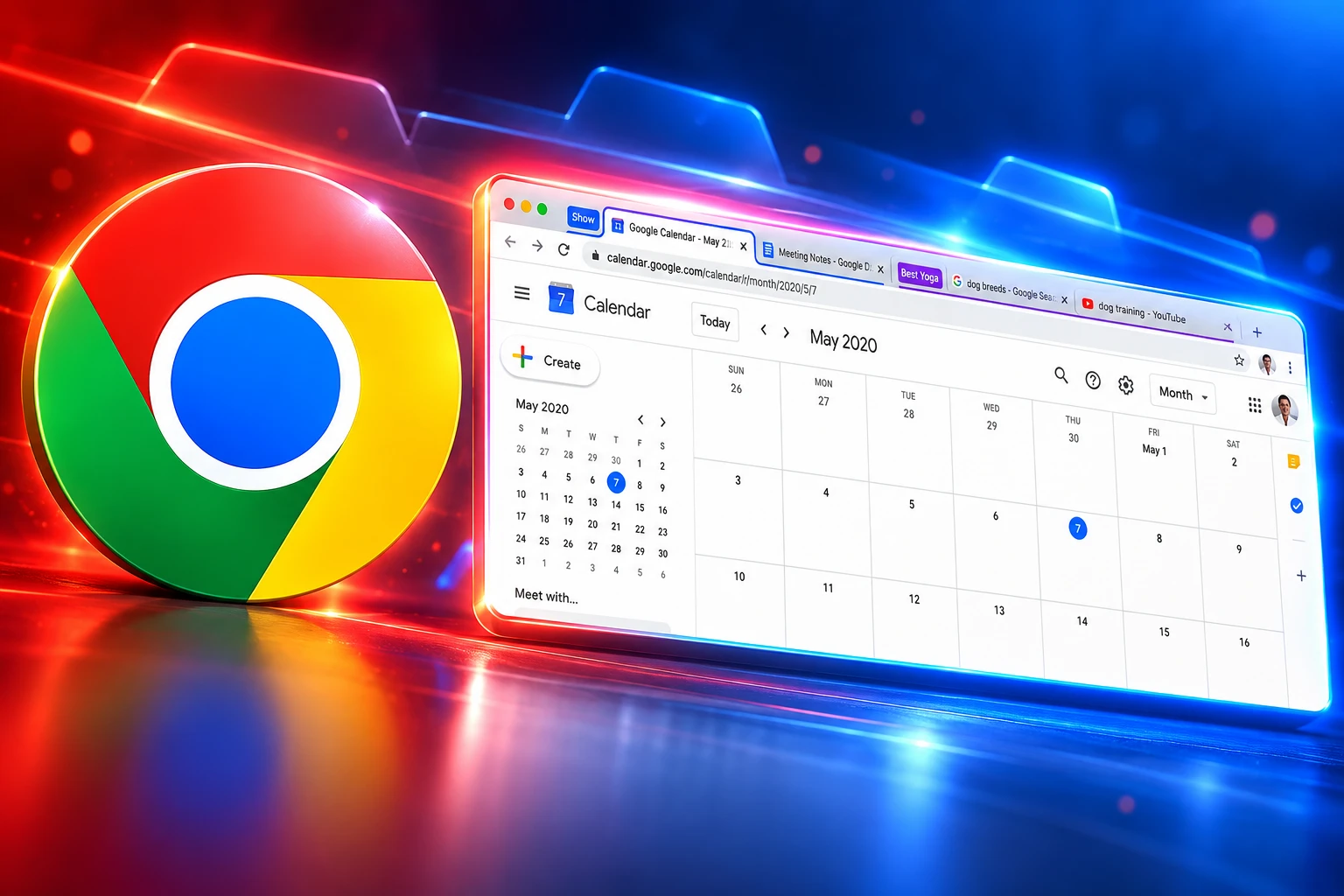
The planned control lives in two places: the tab group menu, and the right-click menu that appears when several tabs are highlighted. One click copies the web addresses and shows a small confirmation at the bottom of the screen.
That placement is the point of building it into Chrome. An extension can list tabs. It cannot add a command to the native group bubble, which is where people already go to name, color, close, or ungroup a set. Design staff at first resisted another item on that menu, then agreed to try it behind a flag after noting that Safari already copies group links from the same kind of control.
If you highlight a settings page next to ordinary sites, Chrome will skip the internal address and copy only real website links. That filter is easy for a browser chrome menu and awkward for an add-on that only sees a bag of tab objects.
Safari Shipped Copy Links in 2021
Apple put Copy Links on Safari Tab Groups with Safari 15 in 2021. On a Mac you open the sidebar, right-click the group, and choose Copy Links. The same idea works from the numbered Tabs row for whatever is open in the window. iPhone and iPad builds got a long-press action in the same generation.
HOW BULK URL COPY GOT HERE
- May 13, 2020: Google posts that Chrome tab groups on desktop are coming in Chrome 83, with names and colors for stacked research.
- September 2020: Chrome 85 turns tab groups on by default for remaining desktop users.
- 2021: Safari 15 adds Copy Links on Tab Groups, so a whole set of addresses hits the clipboard from the sidebar.
- Chrome 89: Extensions gain the tabGroups API since Chrome 89, which can query and restyle groups but still cannot own the native bubble menu.
- October 15, 2026: A Chromium thread proposes Copy Link(s) for groups and for a multi-select of tabs, aimed at feeding an LLM prompt, and a UX lead backs a flagged test.
Chrome has had named, colored groups for more than six years. Safari has let people copy those links for five. The new Chrome item is catch-up on a control Apple treated as basic export, reframed around chatbots because that is how the engineer sold it inside Google.
Copy-All Tools Trigger a Browsing History Warning
Chrome’s own permission docs are blunt about why those add-ons feel heavy. The tabs permission is what an extension needs to read each tab’s URL, title, and icon. The install warning is Read your browsing history warning, even when the add-on only wants the addresses that are open right now.
The tabGroups permission is narrower. Its warning is “View and manage your tab groups.” Useful copy tools still pair it with tabs, because group metadata does not include the page addresses. Some listings also ask for clipboard write, storage, or history. A user who only wants a list of URLs is asked to trust a store item with a history-shaped prompt.
HOW YOU GET A LIST OF TAB URLS TODAY
| Method | What you copy | Install warning |
|---|---|---|
| Hand copy in Chrome | One URL at a time, five gestures each | None |
| Copy-all extension | Open tabs, sometimes filtered by window | Read your browsing history |
| Safari Copy Links | Every link in a Tab Group from the sidebar | None, it is built in |
| Chrome Copy Link(s), proposed | A group, or a multi-select, skipping internal pages | None, it is built in |
Native copy does not make the tabs permission safer. It makes the common job stop requiring that permission. People who refused the store prompt for years were not being fussy. Chrome labelled URL-list access as history access, then left the honest version of the feature off the group menu.
The Other Copy Link Is a 48-Hour Invite
Chrome already has a Copy link action on tab groups, and it does a different job. Shared groups use a shared tab group invite link that other people join. Anyone with that link can edit the tabs. For security, the invite expires in 48 hours.
That is collaboration, not export. Pasting the invite into a chatbot does not hand the model your sources. It hands a join token for a live group. Copy Link(s) is the static list: one line per site, on the clipboard, ready for a prompt, an email, or a doc.
Confusing the two will be easy once both sit on the same menu. One copies a door into the group. The other copies the addresses inside it. Only the second one matches the forty-click complaint.
Split View Got an API With Zero Extra Permissions
The same week the Copy Link(s) thread circulated, Chrome’s extension docs promoted a Split View API in Chrome 155. Software engineer Anh Mac wrote that the calls live on browser.tabs and do not need any extra manifest permission. Chrome 145 had already shipped side-by-side tabs in February 2026. Until 155, add-ons that wanted that layout resized windows or stuffed pages into iframes.
That is the other half of the same policy. New tab layout gets a clean API with no new warning. Bulk URL copy, which does need those addresses, is being pulled into browser chrome so a store listing never has to ask for history. Google is also testing tighter limits on extensions that touch every site. Copy Link(s) fits that pattern: keep the sensitive read inside the browser, and give add-ons safer hooks for jobs that do not need the read.
The loser is not a named copy-all brand. It is the whole class of “install this to dump your tabs” tools whose only remaining pitch is extra formats, Markdown flavor, or CSV columns the native command will not offer on day one.
Testing Starts Behind a Flag, With No Ship Date
The UX lead’s note on the thread is the closest thing to a plan. The command goes behind a flag. Usage gets measured. If ordinary tab-group users never touch it, the extra menu line can still die. If research stacks and chatbot paste jobs show up in the numbers, it can move toward Canary and then Beta.
WHAT WE KNOW
- Menus: Copy Link(s) is planned for the tab group menu and for right-click on a multi-select of tabs.
- Clipboard: A click copies the web addresses and shows a small confirmation at the bottom of the screen.
- Filter: Internal settings pages mixed into a selection are skipped; only site URLs are copied.
- Gate: A UX lead agreed to ship the experiment behind a feature flag and monitor use.
WHAT IS UNCONFIRMED
- Flag name: No public chrome://flags identity has been posted with the thread.
- Channel: Canary has not been confirmed as already carrying the menu.
- Format: The tracker write-up does not say whether titles, Markdown, or a plain URL list lands on the clipboard.
- Schedule: No Stable milestone is attached to the request.
Until that flag is on, the forty-click loop is still the built-in path, and the history warning is still the price of skipping it. The interesting part of Copy Link(s) is not that Chrome learned to copy. It is that the prompt box is now treated as a place tab groups are supposed to go.

Cook Hands Democrats the House as Crypto’s Bill Stays Dead

Wicker’s Broken Bed Was the Short Story’s Punch Line

Nvidia’s $500 Billion Financing Plan Draws a $180 Sell

Maserati Bets the Grecale V6 Can Fill Porsche’s Gap

EV Cable Theft Follows the Old Railway Copper Playbook

Aramco Crash Kills 14 Two Days After Oil Restart

Salah Captained Egypt to Their First World Cup Win

Zelda’s 40th Switch 2 Ships Without a Zelda Game

Apple Labor Day Deals Hide June’s Memory Price Hike

Palworld 1.0.4 Adds Palpedia Search After the 1.0 Launch
-
 BUSINESS4 months ago
Aramco Crash Kills 14 Two Days After Oil Restart
-
 NEWS5 months ago
Salah Captained Egypt to Their First World Cup Win
-
 GAMING2 months ago
Zelda’s 40th Switch 2 Ships Without a Zelda Game
-
 NEWS2 months ago
Apple Labor Day Deals Hide June’s Memory Price Hike
-

 NEWS4 months ago
El Niño Puts Israel’s Needed Winter Rain on a Flood Clock
-
 GAMING2 months ago
Palworld 1.0.4 Adds Palpedia Search After the 1.0 Launch
-

 BUSINESS8 months ago
BAE’s 60-Year Saudi Franchise Now Runs Through Taif
-

 BUSINESS8 months ago
Egypt Bets EGP 638 Billion Can Open Sinai to Investors