
NEWS
The November Pixel Drop Deletes the Daily Lock Screen Fade
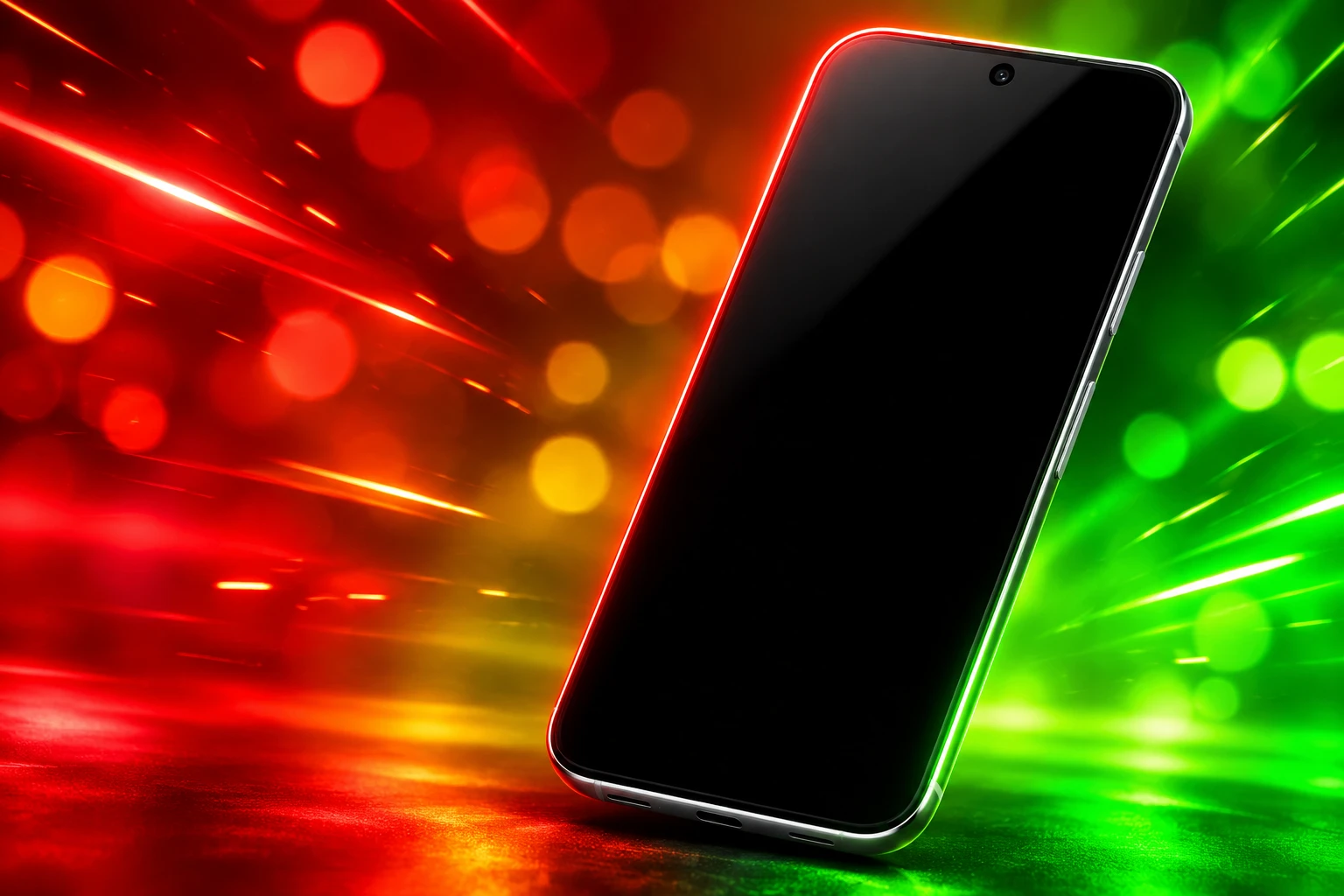
The November Pixel Drop added new icons and widgets, then some Pixel 8, 10, and 11 phones lost the lock-screen fade to black.

The November Pixel Drop stripped the lock-screen fade on some Pixel 8, Pixel 10, and Pixel 11 phones after owners installed the Android 17 QPR2 build. Pressing the power button now cuts the display to black instead of dimming it, and some units skip the fade-in on wake as well.
Google’s Pixel Support Team has asked a few owners for logs. There is still no public bug page, and a reboot is the only trick that brings the animation back, sometimes only for a while.
Lock Screen Fade Vanishes After the November Drop
The missing motion is a short fade to black when the phone sleeps, then a matching fade-in when it wakes. It exists so the jump from a bright lock screen to a dead panel feels less sharp. On hit units, that cover is gone.
Owners in Pixel forums described the new behavior in plain terms. One wrote that after the November Pixel update, “the lockscreen animation disappeared,” and that the screen “turns black all in a sudden instead of playing the animation which is supposed to gradually turning black.” A Pixel 10 Pro owner said the panel “just goes straight to black, no animation.”
The split can be one-sided. A Pixel 11 Pro owner said sleep now cuts to black while the wake fade-in still plays. Other people on the same threads still have both directions, including some Pixel 11 Pro XL units, so this is a messy regression rather than a setting Google turned off for everyone.
The phones still lock, still unlock, and still take calls. The bug is the moment you see dozens of times a day, which is why it landed harder than a buried menu glitch. Google has not published a toggle that restores the fade, and clocks, notifications, and always-on wallpaper are the lock-screen controls the company still documents.
New Icon Styles, a Missing Sleep Animation
Mayra Fajardo, Google’s product marketing manager for Pixel, introduced the Drop on November 10, 2026, as a package of new and expanded features that would make Pixel phones more personalized, intuitive, and handy. Updates would start that day and keep landing for several weeks, depending on the carrier and the phone.
The pitch was a home-screen makeover sitting on top of Android 17 QPR2. Custom icon styles reached Pixel 6a and newer. Create My Widget, which builds a home-screen widget from a prompt, was listed for Pixel 10 and Pixel 11 phones in select markets. Gemini Intelligence, including Rambler voice typing and multi-step tasks, moved onto Pixel 10, Pixel 10 Pro, Pixel 10 Pro XL, and Pixel 10 Pro Fold, with the Pixel 10a left out.
THE NOVEMBER DROP’S HEADLINE FEATURES
| Feature | What Google promised | Where it was listed |
|---|---|---|
| Custom icon styles | A consistent new look for home-screen app icons | Pixel 6a and newer, all regions |
| Create My Widget | Prompt-built widgets for spending, game day, or a trip countdown | Pixel 10 and Pixel 11 series, select markets |
| Gemini Intelligence | Rambler, suggestions, and multi-step tasks | Pixel 10 series except Pixel 10a, plus Pixel 11 |
| Lock-screen fade | Not mentioned in the Drop notes | Missing on some Pixel 8, 10, and 11 phones |
Siri Tejaswini Jogi, a Pixel Community manager, posted the longer feature list on November 11, 2026. That post is where Transit Mode now turns on automatically when the phone thinks it is on a train, adjusting sound and Bluetooth and offering Motion Assist. The same Drop also lets Transit Mode answer calls hands-free on trains in Japan through Take a Message.
None of those notes mention sleep or wake motion. The Drop spent its words on icons, widgets, Gemini, and call screening. The fade that fires every time you pocket the phone was treated as settled software, until it was not.
Why QPR2 Promised Smoother Motion
Android 17 QPR2 is the system train under the Drop, and its own changelog already talked about display stability, animation smoothness, unlock-screen transitions, and lock-screen clock styles. That is the awkward part. Google shipped a quarterly build that claimed to smooth motion, then owners started losing the most basic lock-screen fade.
The user-interface section is where the tension sits. One line promised general stability and performance improvements for fingerprint recognition and unlock screen transitions. Another said Wallpaper & style would stop closing after someone applied lock-screen clock styles. Display & Graphics was written up as general improvements for display stability and performance. Performance work targeted stutter that had been hurting animation smoothness while scrolling.
MOTION FIXES IN THE SAME BUILD
- Unlock transitions: The changelog lists stability work for fingerprint recognition and unlock screen transitions on the supported Pixel list.
- Lock-screen clocks: Wallpaper & style was patched so it would not close after applying lock-screen clock styles.
- Scrolling motion: A performance fix targeted stutter that affected animation smoothness while scrolling across apps.
- Display stability: Display & Graphics was given a general stability and performance pass under certain conditions.
Those bullets are why this is a bad look rather than a random cosmetic complaint. The build that was supposed to tidy Pixel motion is the one owners blame for deleting the fade. Google has not said the fade was removed on purpose, and the mixed reports, including phones that still play it, point to a broken path rather than a new design.
Broken AOD, Desktop Mode, and Recents
The fade is the cleanest thing to notice. It is not the only display-stack complaint tied to the same update. Forum threads that opened after the November 10, 2026 rollout also describe an always-on display that shows the wrong layer, a Desktop Mode session that loses its dock, recents that smear when an app is closed, and a camera that opens onto a black viewfinder.
BUGS TIED TO THE NOVEMBER PIXEL BUILD
| What breaks | Phones named in reports | Workaround owners keep repeating |
|---|---|---|
| Lock-screen fade cut to black | Pixel 8, Pixel 10, Pixel 11, plus a Pixel 9 Pro XL | Reboot, which can fail later |
| AOD shows a stuck notification shade | Pixel 9 Pro Fold among others | Toggle Always-on display off and on |
| Desktop Mode HDMI audio stays on the phone | Recent Pixels on USB-C docks | Keep the phone screen awake |
| Recents close-animation ghosting | Pixel 9 and Pixel 10 series | No confirmed fix |
| Camera viewfinder goes black | Pixel 10 and Pixel 11 series | Full power-off for about 5 minutes |
On at least one Pixel 9 Pro Fold, locking the phone can drop the notification drawer and leave that faded shade sitting where the always-on display should be. The inner screen on that fold has also stayed dark after an unfold until the power button is pressed. A Pixel 10 Pro XL owner said lock-screen clock styles would not change, even after a reboot.
Desktop Mode is a narrower audience and a sharper cut. One owner said a USB-C dock no longer sent HDMI audio to the monitor, so sound stayed on the phone speakers after the update. When the phone’s own screen timed out, the desktop icon dock vanished, which forced people to keep the panel awake to keep working. Full-screen windows also stopped filling the gap the dock left behind.
The camera reports are the ones that stop a phone from doing its job. Some Pixel 10 and Pixel 11 owners said the viewfinder went black or threw an error. A full power-off for about five minutes, not a quick restart, is the step that has brought the camera back for some of them. That is a different failure from a missing fade, and it is riding the same OTA.
Pixel Support Sent Private Chats for Logs
Google has not posted the fade as a known issue on a support page, and the public security note for the month does not mention it. What owners have is a support account sliding into threads and asking for more detail.
Hey everyone, Pixel Support Team here. We sent a few of you a chat, so we could look into this a bit more. Please check it out and get back to us when you get the chance. Thanks!
Pixel Support Team, Google Pixel community thread
That reply showed up on the lock-screen fade thread dated November 13, 2026, three days after the Drop’s public start. It is the same pattern Google used on earlier animation threads: private chats, no cause, no date. By November 18, 2026, there was still no announcement of a patch or even a temporary bypass beyond what owners were already trying.
A reboot is the move that keeps coming back. One Pixel 9 Pro XL owner said the fade returns after a restart, then breaks again. That is a useful test and a bad fix. If a restart restores the animation, the assets are still on the phone. Something in the running system is dropping them, which is why a settings hunt for a new “fade” switch has not helped.
The Pixel Update Bulletin for November 2026 was published on November 10, 2026, and updated on November 16, 2026. It tells supported Pixels to move to patch level 2026-11-05 and lists a long run of security fixes. It does not list a lock-screen fade bug, and it does not give owners a public status page to watch.
Which Pixel Phones Lose the Fade?
Reports cluster on Pixel 8, Pixel 10, and Pixel 11 series phones, with at least one Pixel 9 Pro XL owner in the same threads, and they started after those phones installed the November Android 17 QPR2 build. The fade is not hitting every unit on those lines, a reboot can bring it back for a while, and Google has not posted a public workaround or a model-by-model list.
Most of the world’s Pixel 6a through Pixel 10 phones were assigned build CP4A.261105.040.A1. The global Pixel 11, Pixel 11 Pro, Pixel 11 Pro XL, and Pixel 11 Pro Fold builds were listed as CP4A.261105.040.D1. Canadian Pixel 11 models were listed as CP4A.261105.040.B2. Those IDs are how you confirm you are on the November train, not a diagnosis by themselves, because plenty of phones on the same letters still fade to black the old way.
WHAT THE OTA BUILDS LOOK LIKE
- Most Pixels: CP4A.261105.040.A1, including Pixel 8, Pixel 9, and Pixel 10 lines.
- Pixel 11 global: CP4A.261105.040.D1 for Pixel 11, 11 Pro, 11 Pro XL, and 11 Pro Fold.
- Pixel 11 Canada: CP4A.261105.040.B2 for the same four Pixel 11 models.
- Patch level: 2026-11-05 on the November Pixel bulletin.
Pixel 6 and Pixel 6 Pro are out of this story because they were already off the list. Pixel 6a and newer still get the Drop, and Pixel 8 and later are on Google’s seven-year update clock, which is why an 8-series phone is still in the fade threads at all. Pixel 10 and Pixel 11 street prices have been moving in the same window, so the two newest lines in the reports are also the phones people are still shopping.
If the fade is gone, the practical order is still small. Restart first. If Always-on display looks wrong, turn that toggle off and on under Display & touch. Do not factory-reset for a missing animation. Google has not said a reset fixes it, and the reboot pattern suggests the problem can return after the next sleep cycle anyway.
QPR1’s Broken Recents Motion in September
November is not the first time this software year that Pixel motion came apart. Android 17 QPR1, which went to phones on September 15, 2026, already had Pixel 10 owners complaining that the home and recents animations were wrong. Returning to the launcher from an app no longer played the usual downward motion. The app dropped into recents and slid away to the right. Opening recents from inside an app could leave the app icon stuck on screen while the recents view opened behind it.
Some people said switching to three-button navigation avoided that QPR1 glitch. Pixel Support reached out on those threads in mid-October the same way it is reaching out now, with chats and no public patch note. Pixel 11 owners who were still waiting on QPR1 at the time looked lucky by comparison.
THE ANIMATION BUGS SINCE SEPTEMBER
- September 15, 2026: Android 17 QPR1 lands; Pixel 10 owners report broken home and recents animations.
- November 10, 2026: Android 17 QPR2 and the November Pixel Drop start rolling to Pixel 6a and newer.
- November 13, 2026: Owners report the lock-screen fade is gone; Pixel Support sends private chats.
- November 17, 2026: Pixel 9 and Pixel 10 owners report a ghosting trail when swiping an app closed in recents.
- November 18, 2026: Fade-to-black reports span Pixel 8, Pixel 10, and Pixel 11 series phones.
The recents ghosting that showed up in November sits on that same line. Swiping an app closed is supposed to be a clean motion. Instead, some Pixel 9 and Pixel 10 owners get a trail, often on the first app they close, and not always on the next one. A few people say it started after the October build. Others blame November. Either way, lock, recents, and home motion have been the weak layer across two quarterly trains.
Google can still restore the fade in a later OTA, and the reboot trick suggests the animation is sitting on the device unused. Until that patch shows up, Pixel Support has the logs, the November bulletin still reads as a security release, and the power button on hit phones will keep cutting to black.

Jennifer Lopez and Mahershala Ali Describe a Pipeline They Cannot Buy

Lightsail Scatter Turns to Drag Far Above Starshot

Tallulah Willis Deletes a Bruce Willis Photo She Called Intimate

S&P 500 Futures Rebound Into a Holiday-Shortened Week

GTA VI’s Record Launch Still Needs the Same Fragile Grid

Aramco Crash Kills 14 Two Days After Oil Restart

Salah Captained Egypt to Their First World Cup Win

Zelda’s 40th Switch 2 Ships Without a Zelda Game

Apple Labor Day Deals Hide June’s Memory Price Hike

El Niño Puts Israel’s Needed Winter Rain on a Flood Clock
-
 BUSINESS5 months ago
Aramco Crash Kills 14 Two Days After Oil Restart
-
 NEWS6 months ago
Salah Captained Egypt to Their First World Cup Win
-
 GAMING3 months ago
Zelda’s 40th Switch 2 Ships Without a Zelda Game
-
 NEWS3 months ago
Apple Labor Day Deals Hide June’s Memory Price Hike
-
 NEWS5 months ago
El Niño Puts Israel’s Needed Winter Rain on a Flood Clock
-
 GAMING3 months ago
Palworld 1.0.4 Adds Palpedia Search After the 1.0 Launch
-

 NEWS4 months ago
Saudi Visa Routes Split Nigerian Travelers Into Two Speeds
-

 BUSINESS9 months ago
BAE’s 60-Year Saudi Franchise Now Runs Through Taif