
NEWS
Pixel Transit Mode Can Now Answer Calls on Trains
Google already listed Pixel Transit Mode auto-triggers for Motion Assist and Japan call answering in the November Drop, and left them off by default.

Google’s November Pixel Drop already says Transit Mode can start itself on a train and then fire Motion Assist, with Japan getting silent call answering on the same trigger. The extra switches showed up in settings code three days later, and they stay off until you turn them on.
That is a bigger change than a buried toggle. One commute guess can now change the sound, the screen, and, in Japan, who actually picks up the phone.
Google Already Wrote This Into the November Drop
On November 10, 2026, Pixel Community Manager Siri Tejaswini Jogi posted the feature list for the November Pixel Drop. Buried under Gemini tools and new icon styles was a Transit Mode update that already named both extras the later settings screens would show.
Transit Mode now can turn on automatically when your phone detects you’re on a train. It adjusts your sound, turns on Bluetooth, and can turn on Motion Assist for smoother browsing. And in Japan, Take a Message now works completely hands-free: incoming calls bypass the ringer and route directly to an assistant, delivering a transcript and summary so you can follow up after your ride.
Siri Tejaswini Jogi, Community Manager, November 2026 Pixel Drop announcement
The footnote under that item is the part the leak writeups treated as still unannounced. Google said the update is available on Pixel 6a and newer phones, that detects you’re on a train auto-on, Motion Assist, and Take a Message in Transit Mode are off by default, and that Take a Message in Transit Mode is only available in Japan and needs Take a Message turned on in the Phone app.
Google also said those Pixel Drop features would roll out over several weeks, in phases by carrier and device. Three days later, on November 13, work-in-progress settings UI showed a Motion Assist switch under a While in transit menu, sitting near the Transit Mode and Bluetooth toggles. The same package carried onboarding copy for Silence calls and take messages. The teardown flagged that code as unfinished and said the Motion Assist switch had not reached users yet.
Those two records sit together without much strain. Google described the chain on November 10. The settings screens that actually fire it were still being wired on November 13.
THE TRAIN DETECTION CHAIN
- Sound and Bluetooth: Transit Mode can flip the ringer profile and turn on Bluetooth for headphones once the phone decides you are commuting.
- Notification filters: Only the people and apps you pick can still break through, which is the original reason the mode exists on a crowded car.
- Motion Assist: The same mode can start the anti-nausea bubbles so looking at the phone on a moving vehicle is less likely to make you sick.
- Take a Message, in Japan: Incoming calls can skip the ringer, go to an assistant, and leave a transcript for after the ride.
Each step is optional. The new part is that train detection can start the whole stack without another tap, if you have flipped those switches.
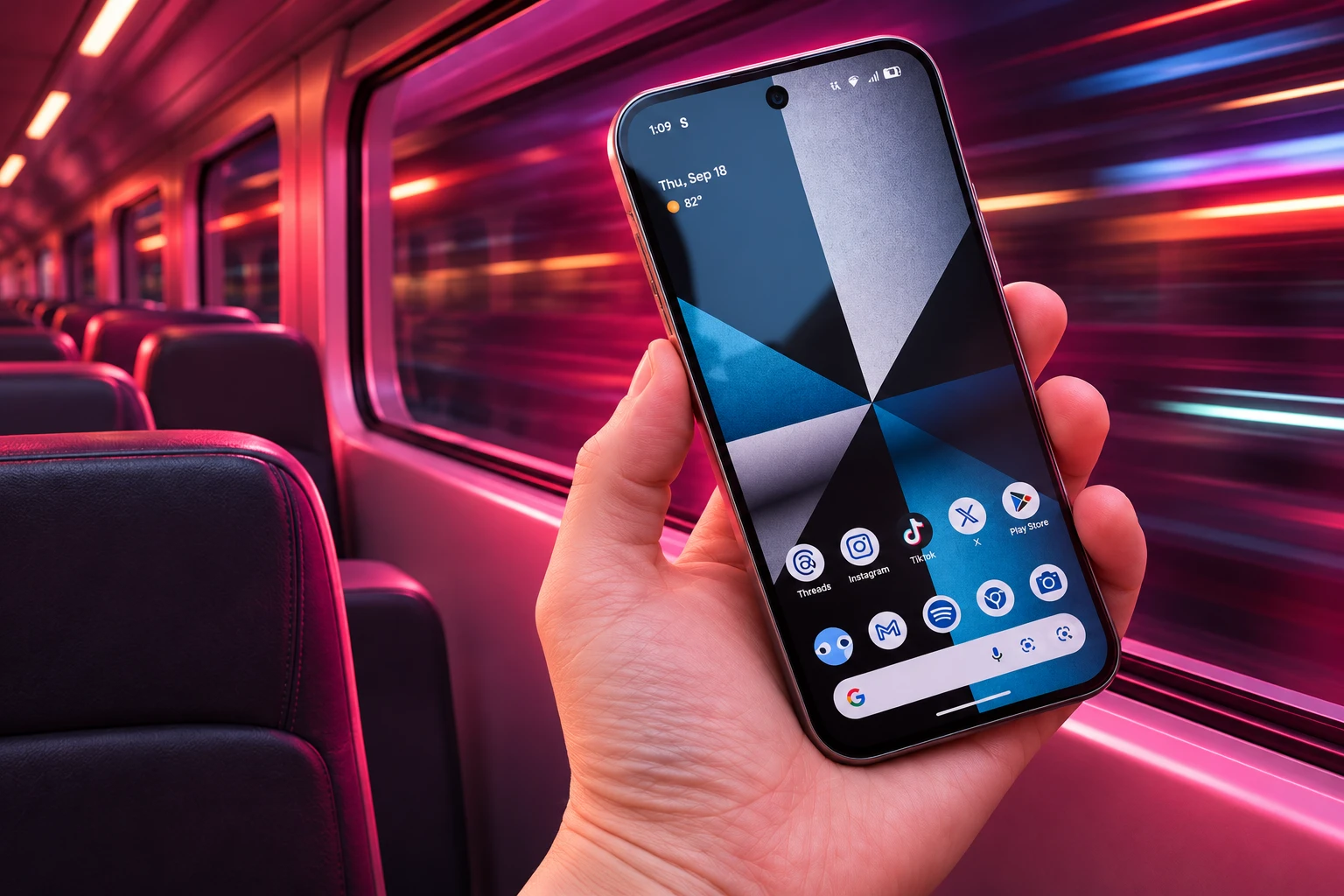
What Transit Mode 2.0 Changes on Pixel Phones
Transit Mode 2.0, shipped with the November 10 drop, can turn itself on when the phone thinks you are on a train, and Google widened it from Pixel 7 and newer to Pixel 6a and newer in all regions and languages. You still set it under Settings, then Modes, then Transit, and you can still kill it from Quick Settings. The auto-on is the piece people no longer have to remember.
Pixel Phone Help still describes Transit as a commute preset for time on the train, not a driving mode. It can set volume to sound on, vibrate only, or silent, turn Bluetooth on for the ride, and filter who and which apps may interrupt. Driving Mode remains a separate Modes item.
HOW THE COMMUTE STACK COMPARES
| Feature | Job | How it starts | Where it stands |
|---|---|---|---|
| Transit Mode | Quiet the phone and hide extra alerts on a commute | Manual, or auto when the phone detects a train | Pixel 6a and newer; auto-on off by default |
| Motion Assist | Draw bubbles that match the vehicle’s motion | Its own moving-vehicle sensor, plus a Transit Mode switch | Android 17; Transit switch seen in November 13 settings code |
| Take a Message | Answer a missed or declined call and show a live transcript | Phone app toggle; Transit Mode can fire it in Japan | Japan for the Transit hook; Phone app setting required |
| Driving Mode | Limit interruptions for a driver | Car Bluetooth, motion, or both | Separate from Transit Mode |
The original Transit launch in March 2026 asked you to build a commute profile with home and work addresses. Google Maps can take 2 to 3 weeks to learn those patterns before At a Glance commute alerts look right. That delay belongs to the lock-screen trip info, not to the new train auto-on, and the help page still asks for background location, Timeline, and Web and App Activity if you want the commute alerts to be timely.
WHAT YOU CAN STILL SET BY HAND
- Volume: Sound on, vibrate only, or silent for the ride.
- Bluetooth: Use Bluetooth while commuting, on or off.
- People: Which contacts may still send alerts.
- Apps: Which apps may still notify you.
- Alarms: Which alarms and other interruptions get through.
Auto-on does not erase those choices. It only decides when the preset starts, which is why chaining Motion Assist and Take a Message onto the same moment has weight.
Motion Assist Puts Bubbles on the Screen Edge
Motion Assist is not a focus mode. Google’s Android help says it is for people who need to use the phone while riding as a passenger. It draws small, subtle visual bubbles along your screen edges that move with the phone’s sensors and match how the vehicle turns, speeds up, or brakes, so the brain can match what the eyes see with what the body feels.
You need Android 17 or higher and updated Google Play Services. The setting lives under your profile, All services, then Personal and device safety, which is why a lot of owners never find it. There is already a Start in a moving vehicle switch on that page, plus a Quick Settings tile, plus color, shape, opacity, and a randomize option for the bubbles.
Google also warns that the phone may not always detect a moving vehicle, which is why it wants the tile there as a backup. When auto-detection does fire, you get a silent notification and can tap it to shut Motion Assist off for that session.
Transit Mode is a second on-ramp for the same bubbles. October Play Services copy pointed to a notification titled Motion assist activated by transit mode, so the dots would not just appear mid-ride with no explanation. The November 13 While in transit toggle is that on-ramp in Settings. You can leave Motion Assist’s own vehicle sensor off and still let Transit Mode start the bubbles when it thinks you are on a train, or you can run both and let either one light the screen.
On a packed car, that is the humane version of the chain. The phone is already in your hand. The bubbles exist so looking at it does not make you ill. They are also easy to miss, or to mistake for a bug, if Transit Mode starts them with no warning, which is why that notification string was in the code in the first place.
Japan Gets Hands-Free Call Answering on Trains
Take a Message is Pixel’s on-device stand-in for voicemail. Google’s Phone app help says it handles calls you miss or decline, stores audio on the phone, can show a live transcript in supported places, and can flag spam from numbers that are not contacts. You turn it on inside the Phone app, not in system Settings. The older help page lists it for Pixel 4 and newer in Australia, Ireland, the UK, and the US. On January 28, 2026, Google disabled it on Pixel 4 and Pixel 5 after a privacy review of a small subset of those phones.
The Transit Mode hook is narrower. Google’s November 10 note limits hands-free Take a Message in Transit Mode to Japan, with the Phone app toggle still required. In that setup, incoming calls bypass the ringer and go to an assistant, then you get a transcript and summary after the ride.
The November 13 package copy is broader than that Japan line, and it is written as if the phone will speak for you the moment you are commuting.
THE TAKE A MESSAGE PROMPTS IN CODE
- The pitch: Incoming calls will ring silently and let callers know you’re commuting. You can read live voicemail transcripts or answer the call anytime.
- The title: Silence calls and take messages.
- The catch: This feature must be on for Transit mode to manage calls while you’re commuting.
- The dialog: Turn on Take a Message in Phone app settings?
That copy is why the chain has a loser. A caller in Japan, if you enable the hook, may hear that you are commuting when you are only on a train, and the phone will take a message unless you tap Answer. The teardown said this integration still looked short of ready. Google’s own drop note already described it as shipping for Japan, off by default. Both can be true while the Phone app prompt is still being finished.
The base Take a Message feature still lets you jump into a live call from the silent Taking a message notice. The Transit version is the same idea with the first tap removed. On a quiet suburban drive that is a nuisance. On a morning Yamanote car it is the difference between taking the call in public and reading it later.
The February Fix for False Driving Alerts
Pixel already learned, the hard way, that “in motion” is not the same as “driving.” In February 2026, Google restored a Bluetooth trigger for Driving Mode after motion-based auto-on had been catching passengers, train riders, and even people who were only walking fast. Driving Mode can now start from the car’s Bluetooth, or from motion and Bluetooth together, instead of trusting the sensors alone.
Transit Mode 2.0 walks back toward a sensor guess, with a tighter label. Google’s drop note says the phone detects you are on a train, not that you are simply moving. That is more precise than the old Driving Mode motion trip. It is still a guess, and Google’s Motion Assist help already admits vehicle detection will miss.
HOW THE STACK GOT HERE
- March 2026: Transit Mode launches as a manual commute preset for Pixel 7 and newer, aimed at trains, with sound, Bluetooth, and notification filters.
- February 2026: Driving Mode gets Bluetooth-based auto-on restored after motion detection had been silencing the wrong people.
- Android 17, through 2026: Motion Assist ships as passenger-facing bubbles with its own Start in a moving vehicle switch.
- October 2026: Play Services strings describe Motion Assist activated by Transit Mode, so the dots have a named cause.
- November 10, 2026: The November Pixel Drop lists train auto-on, Motion Assist in Transit Mode, and Japan hands-free Take a Message, all off by default, on Pixel 6a and newer.
- November 13, 2026: Settings UI for a Motion Assist switch appears under While in transit, with Take a Message onboarding strings still marked unfinished in the teardown.
The order is the tell. Google split driving from transit, then taught Driving Mode to prefer the car’s radio over a wobbling accelerometer, then hung more behaviors on a train detector anyway. If that detector ever treats a bus, an Uber back seat, or a long taxi queue as a train, Motion Assist is a mild surprise and Take a Message is a missed call.
Every Extra Trigger Starts Switched Off
Google’s caution is in the defaults. Automatic train detection, Motion Assist, and Take a Message in Transit Mode all start off, and Take a Message still has to be enabled in the Phone app before Transit Mode may use it. You can also keep Transit Mode fully manual, the way it launched in March.
The people who gain are easy to picture. A Tokyo commuter who cannot take a call in the aisle. A passenger trying to read on a swaying car. Anyone who used to forget to turn Transit Mode on until the ringer had already gone off. The people who lose are the callers, if Japan’s hands-free path is on, and anyone whose phone decides a ride is a train when it is not.
WHAT WE KNOW
- The drop note: Google listed train auto-on, Motion Assist, and Japan Take a Message in Transit Mode on November 10, 2026.
- The devices: Pixel 6a and newer, with the extras off until you enable them in Settings.
- The bubbles: Motion Assist is a passenger tool on Android 17, with its own vehicle sensor and a second Transit Mode switch in unfinished settings UI.
WHAT IS UNCONFIRMED
- The Take a Message screens: The November 13 teardown still treated the Silence calls prompts as work in progress, even after the Japan line in the drop note.
- The miss rate: Google has not said how often train detection will fire on buses, cars, or walking.
- A global call hook: There is no date for Take a Message in Transit Mode outside Japan.
If the bubbles appear when you did not ask for them, Google’s own help says you get a silent notification you can tap to shut Motion Assist off for that ride. The call interceptor has no such one-tap pardon unless you open the Phone app and kill Take a Message, or you turn the Transit Mode extras back off before the next train.

One UI 9.5 Beta Puts the Galaxy S26 on Last Year’s Clock

DBS Puts a 24/7 USDC Window Inside the Bank

European Startups Head for $81 Billion as First Checks Shrink

US Stocks Lost $1.3 Trillion Before Nvidia’s Beat

Home Depot Bets on Finance Chief Richard McPhail as CEO

Aramco Crash Kills 14 Two Days After Oil Restart

Salah Captained Egypt to Their First World Cup Win

Zelda’s 40th Switch 2 Ships Without a Zelda Game

Apple Labor Day Deals Hide June’s Memory Price Hike

El Niño Puts Israel’s Needed Winter Rain on a Flood Clock
-
 BUSINESS5 months ago
Aramco Crash Kills 14 Two Days After Oil Restart
-
 NEWS6 months ago
Salah Captained Egypt to Their First World Cup Win
-
 GAMING2 months ago
Zelda’s 40th Switch 2 Ships Without a Zelda Game
-
 NEWS3 months ago
Apple Labor Day Deals Hide June’s Memory Price Hike
-
 NEWS4 months ago
El Niño Puts Israel’s Needed Winter Rain on a Flood Clock
-

 GAMING2 months ago
Palworld 1.0.4 Adds Palpedia Search After the 1.0 Launch
-

 NEWS4 months ago
Saudi Visa Routes Split Nigerian Travelers Into Two Speeds
-

 BUSINESS9 months ago
BAE’s 60-Year Saudi Franchise Now Runs Through Taif