
NEWS
Microsoft Pushes Windows 11 26H2 After 24H2 Support Ended
Microsoft is auto-installing Windows 11 26H2 as a small enablement package, resetting support after 24H2 Home and Pro already lost updates.

Microsoft began automatically installing Windows 11 version 26H2 on unmanaged PCs on November 18, 2026. The first wave covers personal machines and business PCs that an IT department does not manage, if they already run version 24H2 or 25H2.
The payload is a small enablement package, not a new copy of Windows. What most Home and Pro owners actually buy is a new support clock, which 24H2 already ran out of on October 13, 2026.
Microsoft Starts Automatic 26H2 Delivery on Unmanaged PCs
Windows 11 26H2, marketed as the Windows 11 2026 Update, reached general availability on September 29, 2026. From late October, any eligible PC could pick it up by opening Settings, going to Windows Update, and checking by hand.
That seeker step is no longer required for the first group. Microsoft said it is gradually expanding automatic delivery to devices on 24H2 and 25H2 that are not managed by IT, including personal PCs and non-managed business machines.
Starting November 18, we are taking the next step in version 26H2’s phased rollout to make it easier to get the update. We are gradually expanding automatic delivery, beginning with devices running Windows 11, versions 24H2 and 25H2, that are not managed by IT departments.
Microsoft, Windows 11 version 26H2 release health, November 18, 2026
Two similar PCs can still move on different days, because the offer still follows each device’s Windows Update settings. Microsoft has not said when every eligible machine will be included. Safeguard holds can also block a PC if the company sees a known hardware or software clash, until a fix is ready.
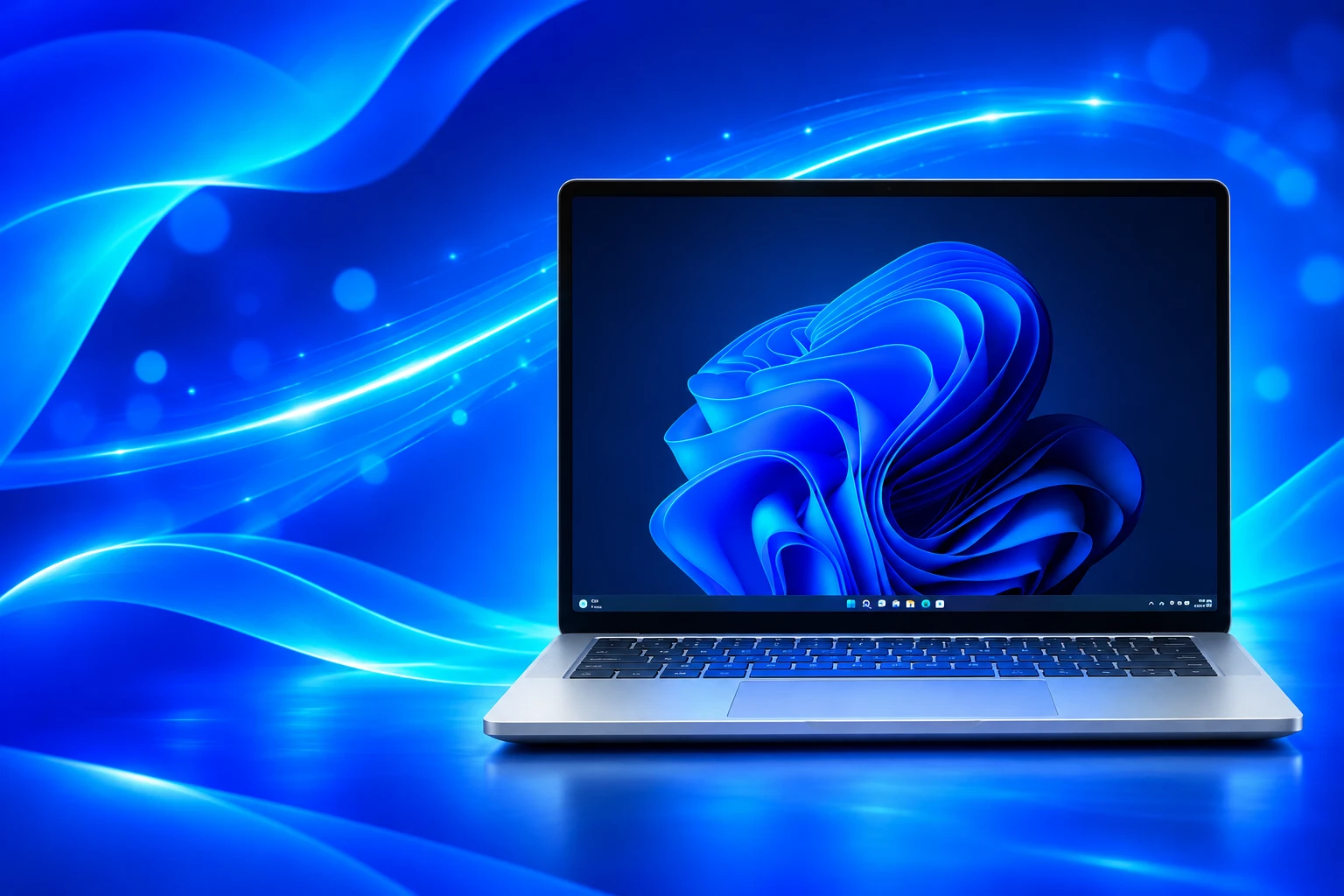
24H2 Home and Pro Already Lost Monthly Updates
The date that makes the auto-install more than a convenience is already in the past. Microsoft’s Windows 11 release table lists 24H2 Home, Pro, Pro Education, and Pro for Workstations at end of updates on October 13, 2026. Automatic 26H2 delivery began 36 days later.
Those leftover 24H2 Home and Pro PCs have not been on the current security train since mid-October. 24H2 Enterprise, Education, IoT Enterprise, and Enterprise multi-session still get updates until October 12, 2027, so a managed 24H2 fleet is in a different place than a home Pro laptop that never left 24H2.
25H2 Home and Pro still have until October 12, 2027. For those PCs the auto-offer is optional in practice. For 24H2 Home and Pro it is how Microsoft puts an already unsupported consumer edition back onto a supported branch without waiting for someone to click Check for updates.
THE 26H2 SUPPORT CLOCK
- October 1, 2024: Windows 11 24H2 reaches general availability on OS build 26100.
- September 30, 2025: Windows 11 25H2 ships on OS build 26200.
- September 29, 2026: Windows 11 26H2, the 2026 Update, ships on OS build 26300.
- October 13, 2026: 24H2 Home and Pro editions reach end of updates.
- Late October 2026: Eligible PCs can install 26H2 by checking Windows Update manually.
- November 18, 2026: Automatic delivery begins on unmanaged 24H2 and 25H2 devices.
- November 19, 2026: The latest 26H2 cumulative build is 26300.10075 (KB5132057).
Sitting on 24H2 through September, while 26H2 was brand new, was a fair quality bet. Sitting on 24H2 Home or Pro after October 13 is a PC that is no longer getting monthly security updates at all.
The Move Is a Small Enablement Package
24H2, 25H2, and 26H2 share one servicing branch and the same underlying code. Monthly updates have been dropping 26H2 bits onto those PCs for months. The annual “upgrade” turns those bits on.
John Cable, vice president of product management for Windows Servicing and Delivery, described the design when 26H2 shipped. Eligible 24H2 and 25H2 devices move with a small enablement package and a restart, closer to a monthly patch than to a full feature-update rebuild.
An enablement package is a lightweight update that activates new features already included in the operating system through previous monthly servicing updates. Because versions 26H2, 25H2, and 24H2 share a common servicing branch and underlying codebase, many of the components required for version 26H2 are already present on devices before the feature update becomes available.
John Cable, Vice President, Product Management, Windows Servicing and Delivery, Windows Experience Blog
That is why install time is short and why the version string in Settings, System, About can change after one reboot. Microsoft’s own 26H2 status page says the release contains the features already announced for 25H2 and 24H2, delivered with servicing technology.
Version 26H1 is a different story. It uses OS build 28000, was built for new hardware that arrived in early 2026, and is not offered as an in-place update from 24H2 or 25H2. A PC already on 24H2 or 25H2 does not jump to 26H1, and the 26H2 enablement package does not apply to 26H1.
What 26H2 Turns On for Commercial PCs
The package is not empty. For commercial devices, 26H2 enables three groups of features that 25H2 shipped with temporary commercial controls still off. Microsoft’s 26H2 documentation for IT names them directly.
THE COMMERCIAL DEFAULTS
- Windows settings backup: It is on by default for eligible commercial devices, saving supported Windows settings and Microsoft Store app lists for recovery and device replacement, while existing admin policies still apply.
- Taskbar app actions: App-specific actions from the taskbar are on by default for commercial devices, so common commands sit on the taskbar instead of inside each app.
- File Explorer extras: File Explorer changes that were held under commercial controls, aimed at navigation and everyday use, switch on by default in 26H2.
A year of monthly “continuous innovation” also sits on the same branch, so a fully patched 25H2 PC may already have much of the 26H2 feature list before the enablement package runs. Administrator protection, which hands out just-in-time admin rights instead of a standing admin token, stays off until an admin turns it on through Intune or Group Policy. Built-in System Monitor (Sysmon) is in the OS and also stays off until it is enabled. Smart App Control can now be turned on or off without a clean install.
Other Pieces That Rode in on Monthly Updates
File Explorer gained extra archive types, including uu, cpio, xar, and nupkg, plus faster Home, voice typing while renaming a file, and Copilot summarize actions on OneDrive and SharePoint files for accounts that already have Microsoft 365 Copilot. The Start menu is a scrollable All list with category and grid views, and the taskbar can sit at the bottom, top, left, or right, with a smaller-icon option.
Windows Update can fold eligible extra updates into the monthly security release so there are fewer restarts. After an update, a PC that was manually put to sleep is supposed to go back to sleep even if automatic sleep is set to Never. Driver policy is tighter too: default trust for cross-signed third-party drivers is gone, leaving Windows Hardware Compatibility Program drivers and a legacy allow list.
None of that requires a rebuilt Windows image on a current 24H2 or 25H2 PC. The enablement package is the switch and the new version label.
IT-Managed Devices Stay on Their Own Schedule
Company-managed PCs are outside this automatic consumer-style wave. They keep following Windows Autopatch, Intune, Windows Update for Business rings, or whatever else the administrator already set. Cable told commercial and education customers to run targeted pilots before a broad push, and Microsoft pointed them to planning and deployment guidance for 26H2.
That split matters this month. A separate November hotpatch, KB5132043, has been breaking some app installs and launches on Windows 11 24H2 and later when it arrives through Windows Autopatch, with errors such as ERROR_ALLOTTED_SPACE_EXCEEDED (0xC0000099). Microsoft tied that bug to apps that load 32-bit msi.dll. Home PCs and machines that only took the regular November Patch Tuesday cumulative, KB5132061, are not in that hotpatch path.
The automatic 26H2 offer is aimed at the unmanaged side. The hotpatch failures sit on the managed Autopatch side. Mixing those two groups turns a servicing mess into a false warning about the enablement package itself.
A work laptop used at home is still a managed device if the employer or school actually controls Windows Update. If nobody manages it, Microsoft now treats it like a personal PC for this rollout.
26H2 Home Support Ends on October 10, 2028
Installing 26H2 resets the support lifecycle. Microsoft’s stated rule for annual Windows 11 feature updates is 24 months of support for Home, Pro, Pro Education, and Pro for Workstations, and 36 months for Enterprise and Education. The live servicing table then prints calendar days that do not land on the same day as a clean 24-month or 36-month anniversary.
For 26H2, that table’s end of updates for each Windows 11 version is October 10, 2028 for Home and Pro, and October 9, 2029 for Enterprise and Education. The 2029 date is the Enterprise clock, not the Home and Pro clock. A 25H2 Home or Pro PC that takes 26H2 moves from October 12, 2027 to October 10, 2028, about a year of extra servicing.
WINDOWS 11 SUPPORT DATES BY VERSION
| Version | Availability | Home and Pro end of updates | Enterprise and Education end of updates |
|---|---|---|---|
| 26H2 (build 26300) | September 29, 2026 | October 10, 2028 | October 9, 2029 |
| 25H2 (build 26200) | September 30, 2025 | October 12, 2027 | October 10, 2028 |
| 24H2 (build 26100) | October 1, 2024 | October 13, 2026 (ended) | October 12, 2027 |
26H2 is also the last Windows 11 version that will support Snapdragon 850 devices, which still matters for some first-generation Arm laptops. Microsoft will rotate Windows Update certificates on May 17, 2027 and June 19, 2027. It has said 25H2 and later need no extra step for that change, while leftover unsupported releases lose access to Windows Update when the old certificates expire.
How to Get 26H2 Before Windows Update Does
Anyone who does not want to wait on the phased auto-offer can still pull the package the same way Microsoft opened in late October. The version string is the check that the enablement package actually stuck.
HOW TO INSTALL 26H2 NOW
- Confirm the version: Open Settings, System, About and read the Windows version line. If it already says 26H2, stop.
- Check Windows Update: Open Settings, Windows Update, and select Check for Windows updates.
- Install the offer: If Windows 11, version 26H2 appears, choose Download and install, then let the PC restart.
- Opt into faster delivery: Turn on Get the latest updates as soon as they are available if you want later packages as soon as Microsoft will give them to that device.
If 26H2 does not appear, the PC may be outside this wave, under a safeguard hold, on 26H1, on an older release that needs a full feature update rather than the enablement package, or simply not yet selected in the phased rollout.
26H2 is not a clean sheet on known issues. After the version itself installed, some USB Audio Class 1.0 devices showed Code 10, no sound, or dead volume controls. Microsoft resolved that in the November 10, 2026 security update, KB5132061, and later. Remote Desktop connections from non-admin users to hosts with Administrator protection enabled could fail with 0xC000000D after September’s KB5124010; that was resolved in KB5127936 on October 28, 2026.
STILL OPEN ON THE 26H2 HEALTH PAGE
- SQL linked servers: After KB5127648 (October 13, 2026) and later, SQL Server linked-server queries that use OLE DB, including some Oracle and PostgreSQL connections, can leave sessions open and pile up on servers.
- Workaround status: Microsoft has a mitigation for affected enterprise devices through Support for business and said an out-of-band fix would follow in the days after the November 12, 2026 note.
- Who feels it: The bug is a server-side connection leak, not a reason for a home PC to refuse the enablement package.
A 24H2 Home or Pro PC that never opened Windows Update has been off monthly security updates since October 13, 2026. Microsoft is now sending those machines the enablement package on its own timetable, and the next consumer support date that package buys is October 10, 2028.

Jennifer Lopez and Mahershala Ali Describe a Pipeline They Cannot Buy

Lightsail Scatter Turns to Drag Far Above Starshot

Tallulah Willis Deletes a Bruce Willis Photo She Called Intimate

S&P 500 Futures Rebound Into a Holiday-Shortened Week

GTA VI’s Record Launch Still Needs the Same Fragile Grid

Aramco Crash Kills 14 Two Days After Oil Restart

Salah Captained Egypt to Their First World Cup Win

Zelda’s 40th Switch 2 Ships Without a Zelda Game

Apple Labor Day Deals Hide June’s Memory Price Hike

El Niño Puts Israel’s Needed Winter Rain on a Flood Clock
-
 BUSINESS5 months ago
Aramco Crash Kills 14 Two Days After Oil Restart
-
 NEWS6 months ago
Salah Captained Egypt to Their First World Cup Win
-
 GAMING3 months ago
Zelda’s 40th Switch 2 Ships Without a Zelda Game
-
 NEWS3 months ago
Apple Labor Day Deals Hide June’s Memory Price Hike
-
 NEWS5 months ago
El Niño Puts Israel’s Needed Winter Rain on a Flood Clock
-

 GAMING3 months ago
Palworld 1.0.4 Adds Palpedia Search After the 1.0 Launch
-

 NEWS4 months ago
Saudi Visa Routes Split Nigerian Travelers Into Two Speeds
-

 BUSINESS9 months ago
BAE’s 60-Year Saudi Franchise Now Runs Through Taif