
NEWS
Instagram Lets You Edit Stories, Then Labels Them Edited
Instagram now lets you edit Stories for 15 minutes after posting, then stamps them Edited. Overlays change. The photo does not.

Instagram now lets you edit a live Story for 15 minutes after you post it, then marks that Story Edited so viewers can see the change. On November 18, Instagram chief Adam Mosseri said you can change text, music, stickers and drawings and keep the views you already have.
The control sits in the three-dot menu. It is rolling out in waves, so some accounts still will not see it. The photo or video under the overlays is not part of the deal.
A 15-Minute Window for Text, Music and Stickers
Mosseri framed the tool as a typo fix. Open your own Story, tap the three-dot button at the bottom right, then tap Edit story. You can rewrite the text, swap or drop the song, move stickers, and redo drawings. Views, likes and replies stay on the same slide.
The timer starts when the Story goes live, not when you notice the mistake. Miss that window and Edit story is gone. The only remaining moves are to leave the slide up or delete it and post again.
HOW TO EDIT A LIVE STORY
- Open it: Go to a Story you posted in the last 15 minutes and open it from your profile ring.
- Find the menu: Tap the three-dot control at the bottom right of that slide.
- Tap Edit story: Change the text, music, stickers or drawings, then save.
- Check the stamp: Viewers then see an Edited label in the upper right after the save.
Mosseri wrote that a lot of people had been asking for this, and he was excited to get it out. The company account posted the same day with three other Story tools, which is how a typo fix arrived inside a wider composer refresh.
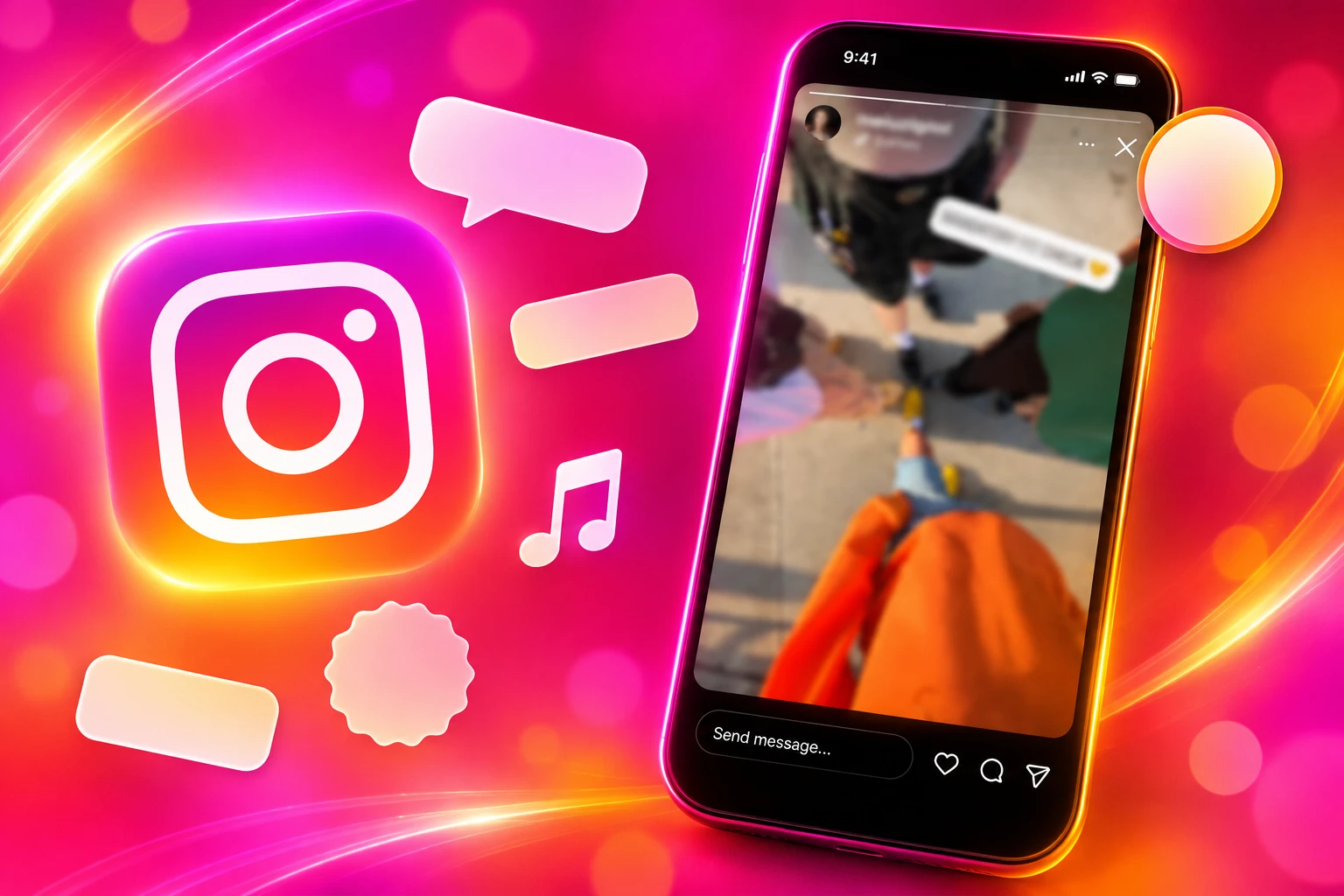
Instagram Stamps Every Saved Change as Edited
The overlay edit is the part everyone wanted. The stamp is the part that comes with it. Once you save, the Story carries Edited in the upper right, the same kind of public mark Instagram already puts on comments that have been changed.
That label does not show the old version. It only shows that something moved after the first share. A fixed spelling error and a rewritten caption get the same mark, which is how a quiet correction becomes a visible one.
Thank-you posts about the feature keep celebrating the timer and skipping the stamp. The stamp is the product. Instagram will let you clean a slide, and it will also tell the room you cleaned it.
What You Still Cannot Change After Posting
The Edit story control does not replace the photo or video underneath the overlays. Mosseri listed text, music, stickers and drawings. A wrong still or a wrong clip still means deleting the Story and posting it again, which drops it to the newest slot and clears the count.
Feed posts have had caption edits for years. Stories did not, because the format was built to vanish, and a vanishing post was never supposed to need a revision history. The new tool copies the comment rule instead of the feed rule: a short clock, a public mark, and no swap of the underlying media.
WHAT 15 MINUTES WILL AND WILL NOT TOUCH
| Part of the Story | After you post |
|---|---|
| Text overlay | Editable for 15 minutes |
| Music | Editable for 15 minutes |
| Stickers | Editable for 15 minutes |
| Drawings | Editable for 15 minutes |
| Photo or video | Not on Mosseri’s edit list |
| Views, likes, replies | Kept if you edit in time |
| Place in the stack | Kept if you edit in time |
| Edited label | Added after you save |
If the problem is the clip itself, you are back on the old path. Delete, rebuild, and accept a fresh view count. The new button is for the layer on top.
Paluzzi’s April Build Wiped Likes and Replies
The version that shipped is kinder than the one reverse engineer Alessandro Paluzzi found in the app this spring. He documented an April test that reset likes and replies, because starting an edit deleted the original Story. That build would have given you a second draft and taken the early audience with it.
Wednesday’s release keeps the audience and the slot. That is the actual upgrade from the spring code. Instagram still would not ship an unmarked, open-ended rewrite of a live Story, which is why the 15 minutes and the Edited label survived the rewrite of the prototype.
If you’ve ever noticed a typo right after posting a Story, this one’s for you. You can now edit text, music, stickers and drawings for up to 15 minutes after sharing, without losing your views, likes or replies. A lot of people have been asking for this, so I’m excited to get this one out there.
Adam Mosseri, Head of Instagram, November 18, 2026
Mosseri posted that note, with product shots of the new menu, on his own account.
The line about typos is doing a lot of work. A typo is the easy case. A price, a date, a tagged name, or a song that tanks the mood is the case brand desks actually hit, and those still have to be caught before the quarter hour is up.
Comments Got the Same Clock in April
Instagram did not invent this timer for Stories. In April it gave comments a 15-minute edit window, an Edited tag, and no public history of the old text. Meta spokesperson Nicole Rechtszaid said you can change a comment as many times as you want while that window is open. After that, the text locks.
Feed posts were already more flexible. You can edit or delete posts you have shared from the options menu, including the caption, without a 15-minute cap. Stories now sit closer to comments than to the grid: a short correction period, then the record stands.
Direct messages picked up a 15-minute edit window in 2024. The pattern is consistent. Instagram will let you unsay a mistake in the moment, and it will not let you quietly revise a public line once the moment has passed.
THE UNDO CALENDAR INSIDE INSTAGRAM
- August 2016: Instagram launches Stories, photos and videos that disappear after 24 hours, with no way to edit a slide after it is live.
- 2024: Direct messages get a 15-minute window to edit a sent note.
- March 2026: Carousel posts can be reordered after publishing, another after-the-fact fix for a live object.
- April 2026: Comment editing ships with a 15-minute clock and an Edited tag, and Paluzzi finds a Story-edit build that still wipes engagement.
- June 2026: Profile grids can be rearranged by hand, so the permanent grid is no longer locked in post order.
- November 18, 2026: Story overlay editing ships, keeps views and replies, and adds the Edited label.
More than 10 years after Stories launched in August 2016, the format still expires on the 24-hour clock. What changed is the first quarter hour of that day. You may now patch the overlay. You may not pretend the first version never went out.
Why a Repost Breaks a Multi-Slide Story
Stories play newest first. Delete a middle slide and the replacement lands at the end of the stack, so a product shot that sat between two other frames now appears last. The 15-minute edit keeps the slide where it was, along with the views, likes and replies already on it.
That is why the feature matters more to people who post in sequences than to people who post one photo and walk away. A social team running a launch, a store, or a live event often needs six or eight slides in a set order. One bad caption in the middle used to wreck the set, because the fix jumped the line.
Casual accounts can ignore a few early views. Brand accounts cannot, and they also cannot ignore the order. Keeping the count is the headline. Keeping the slot is the job the delete button could never do.
The window is still short for a desk that posts and then goes into a meeting. Fifteen minutes is enough to catch a misspelled name if someone is watching the live Story. It is not enough to wait on legal, or on a client, or on a better song from the music picker.
Four Upgrades in One Wednesday Drop
Edit after posting was one of four Story tools Instagram listed on November 18. The company account put the set on X the same afternoon, under a simple stack: easier multi-select, edit after posting, backgrounds for any photo size, and fresh stickers.
four new Stories upgrades are here:
📸 easier multi-select
✏️ edit after posting
🖼️ backgrounds for any photo size
💅 fresh stickers pic.twitter.com/iscNto0JRx— Instagram (@instagram) November 18, 2026
On Threads, the same recap ran as You asked, we answered. The composer work is the other half of that answer. Instagram is making it easier to build a designed slide, then giving you 15 minutes to patch the design after it is public.
FOUR STORY TOOLS THAT LANDED TOGETHER
- Edit after posting: Overlay changes for 15 minutes, engagement kept, Edited label on save.
- Easier multi-select: Pick several shots at once and choose a layout for a photo dump on a single Story.
- Backgrounds for any size: Blur, solid colors and gradients fill the empty space when a photo is not full-vertical, including square and landscape frames.
- Fresh stickers: New fonts, colors and shapes, grouped on sticker sheets that are easier to browse than the old tray.
Taken together, the pack treats Stories less like a disposable camera and more like a small layout tool. You pick several photos, drop them on a fill, dress them with a new sticker sheet, then, if you spot a bad word, you get one short pass to fix the overlay without tearing up the stack.
The control is still rolling out, so some accounts will not see Edit story in the three-dot menu yet. Update the app and look again. After 15 minutes, the old choice is the only one left: leave the typo up, or delete the slide and watch the view count start at zero.

Jennifer Lopez and Mahershala Ali Describe a Pipeline They Cannot Buy

Lightsail Scatter Turns to Drag Far Above Starshot

Tallulah Willis Deletes a Bruce Willis Photo She Called Intimate

S&P 500 Futures Rebound Into a Holiday-Shortened Week

GTA VI’s Record Launch Still Needs the Same Fragile Grid

Aramco Crash Kills 14 Two Days After Oil Restart

Salah Captained Egypt to Their First World Cup Win

Zelda’s 40th Switch 2 Ships Without a Zelda Game

Apple Labor Day Deals Hide June’s Memory Price Hike

El Niño Puts Israel’s Needed Winter Rain on a Flood Clock
-
 BUSINESS5 months ago
Aramco Crash Kills 14 Two Days After Oil Restart
-
 NEWS6 months ago
Salah Captained Egypt to Their First World Cup Win
-
 GAMING3 months ago
Zelda’s 40th Switch 2 Ships Without a Zelda Game
-
 NEWS3 months ago
Apple Labor Day Deals Hide June’s Memory Price Hike
-
 NEWS5 months ago
El Niño Puts Israel’s Needed Winter Rain on a Flood Clock
-

 GAMING3 months ago
Palworld 1.0.4 Adds Palpedia Search After the 1.0 Launch
-

 NEWS4 months ago
Saudi Visa Routes Split Nigerian Travelers Into Two Speeds
-

 BUSINESS9 months ago
BAE’s 60-Year Saudi Franchise Now Runs Through Taif