
NEWS
YouTube’s Mini Player Now Mutes Fullscreen Videos on Phones
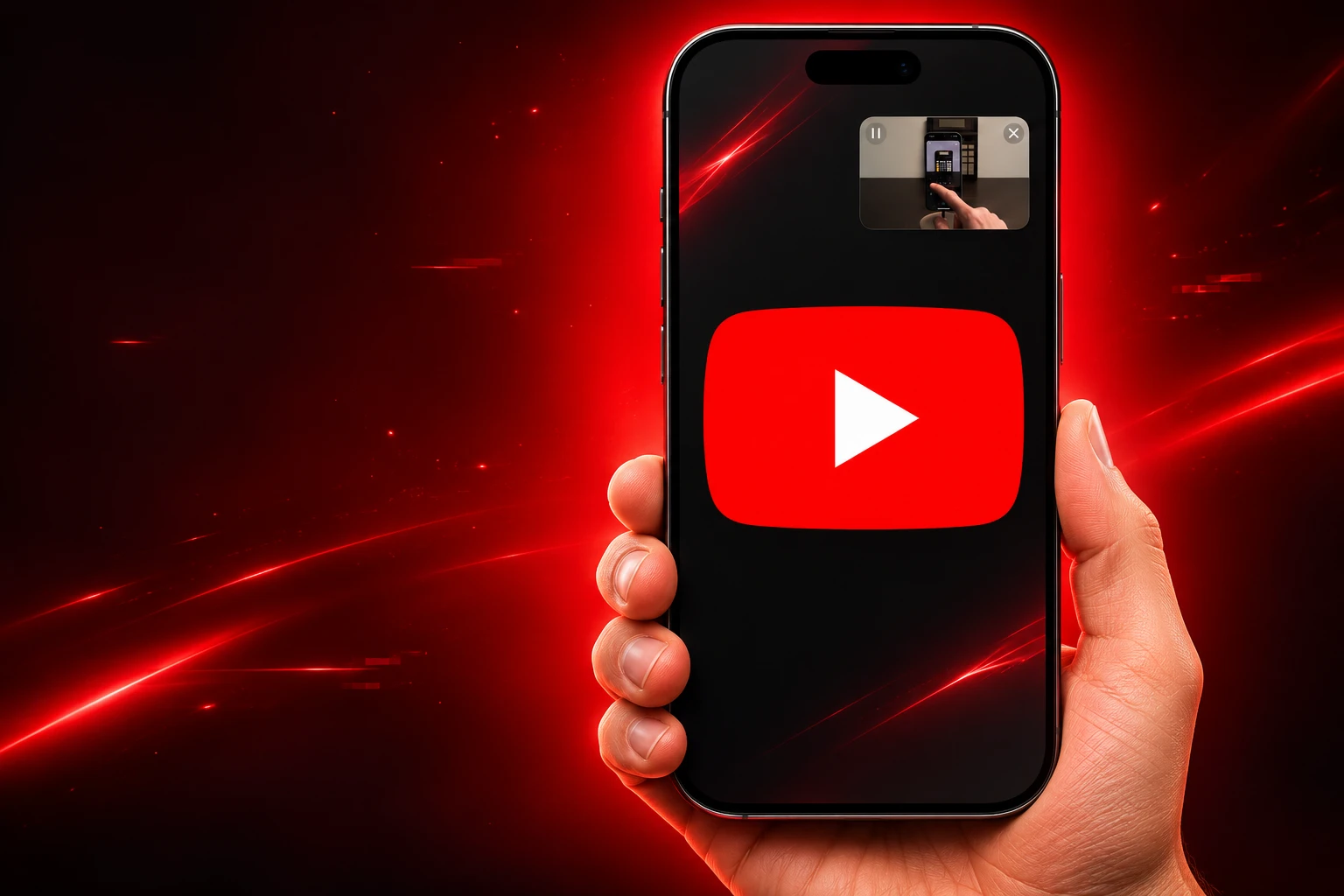
YouTube’s mini player was built to keep videos playing. A phone bug that began in early October now uses that window to dump fullscreen playback and mute the sound.

A YouTube bug that began in early October still kicks fullscreen videos into the mini player and kills the audio. The same sequence hits the Android app and the iOS app, and expanding the small window does not bring the sound back.
TeamYouTube has answered some of those reports with a sign-out script. It has not opened a public incident thread for this glitch.
Fullscreen Drops Into a Mute Mini Player
The reports line up on a tight sequence, and that is why accidental taps are a weak explanation. The video leaves fullscreen with no one touching the controls, the in-app floating player takes over, and the soundtrack cuts at the same moment.
THREE HITS AT ONCE
- Fullscreen drop: Playback leaves fullscreen on its own and does not wait for a back gesture or a home swipe.
- Mini player takeover: The picture collapses into YouTube’s floating in-app window, the one used while you stay inside the app.
- Audio cut: Sound dies in that same step, which is the part a stray thumb would not explain.
Matching writeups are coming from Android and iOS, which is the detail that moves this off a single-phone setting. A glitch that follows the YouTube app onto both stores is usually sitting in YouTube’s own player, not in a Samsung refresh rate or an iPhone gesture.
The first widely shared Reddit post came from u/OzenFPV, who said the jump started about a week before they wrote it up, which puts the start of the pain in early October. A second thread on the same subreddit described the same dump-and-mute pattern, then added a worse ending: closing the video and hitting play again did not restore sound.
The Window YouTube Says Should Keep Video Playing
YouTube’s own Help Center does not treat the Miniplayer as a punishment. On computers, the company says you can continue to watch videos while you browse, including playlists and livestreams, and that Expand takes you back to the watch page.
With the Miniplayer, you can continue to watch videos, including playlists and livestreams, while you browse YouTube.
YouTube Help, Watch videos on the Miniplayer
That page is written for desktop. The phone app has a close cousin: swipe down or hit back on a regular video and the picture shrinks into a floating window that is supposed to keep playing while you stay inside YouTube. TeamYouTube community notes say that window is not offered on Shorts or on videos marked Made for Kids, and that collapsing it without a Premium plan pauses playback instead of letting audio run.
People keep mixing that in-app window up with system picture-in-picture. They are not the same tool, and the current bug is sitting on the in-app one.
THREE SMALL PLAYERS, THREE JOBS
- In-app mini player: Stays inside YouTube so you can scan Home or comments while the video keeps going.
- System PiP: Leaves the app and floats over Messages, Maps, or the home screen.
- Desktop Miniplayer: Shrinks the watch page so you can keep browsing youtube.com.
The design brief in every case is continuity. The bug does the opposite. It uses the shrink-window to interrupt a video you were already watching in fullscreen, then strips the part you cannot get from a tiny picture: the sound.
Why Expanding the Mini Player Leaves You Silent?
The first instinct is to tap the small window and go back to fullscreen. That is the control YouTube ships for this exact moment, and it is the control that fails.
Users say the picture can grow again while the soundtrack stays dead. In some cases the clip plays mute, or it plays for a beat and then collapses a second time. Because the expand path does not restore audio, the mini player stops being a shortcut and becomes a trap: you are now in a window that cannot hear, with a button that cannot fix it.
A creator who pinged TeamYouTube on October 11 described an even faster version. A tap on a video jumped to the mini player after two seconds, killed audio, and needed three close-and-retry loops before a clip would play normally. That report is one person’s log, not a lab measurement, but it matches the later Reddit steps on the mute and the retry.
The cleanest local test is still the soundtrack. If you expand and the sound returns at once, you probably bumped the player. If you expand and the clip stays mute, you are in the bug, and the in-app window is no longer doing the job YouTube assigned it.
Clear Cache, Reinstall Updates, Repeat
There is a workaround ladder, and it is already being treated like folklore. Close the video and start it again, which brings sound back for some people. If that fails, force-close the whole YouTube app and reopen it. If that fails too, the next hour disappears into cache wipes and update theater that do not hold.
WORKAROUNDS AND WHAT THEY DO
| Step | What users describe |
|---|---|
| Expand the mini player to fullscreen | Picture may return; sound often stays dead |
| Close the video and play it again | Restores audio for some sessions |
| Force-close the YouTube app | Needed when replay is not enough |
| Clear cache, uninstall updates, reset app prefs | Still occurring after the full circuit |
On October 16, an Android user wrote to TeamYouTube that videos were randomly minimizing on mobile, that playback continued, and that the sound muted on its own. The reply was the standard kit: log out, sign back in, update the app.
Already tried, Cleared cache, uninstalled and reinstalled youtube updates, forced stopped, restarted my phone a bunch, turned off and on certain playback settings, and reset all app preferences to see if a setting was changed to cause it but its still occurring.
Android user, message to TeamYouTube, October 16, 2026
Those steps would be rational if the mute followed a corrupt cache or a bad install on one phone. They look empty once the same dump-and-mute shows up on iPhone as well. You cannot reset iOS app preferences hard enough to repair an Android copy, which is why the cache ritual keeps failing and why the next section matters more than another toggle.
A Named Fix Thread for the Last PiP Break
TeamYouTube knows how to put a player failure on the record. It chose not to do that here. The public replies on this mute-and-minimize glitch are the same three lines the account uses for unrelated breakage.
Thanks for reaching out. If you haven't already, we recommend logging out and signing back in to your account: https://t.co/xS0viv7Em7 Updating the app to the latest version can also help. Let us know how it goes
— TeamYouTube (@TeamYouTube) October 16, 2026
On October 11 the account asked whether the two-second mini player jump was happening on all of a creator’s devices, then suggested signing out, restarting the phone, or updating. On October 16 it sent the log-out link plus an update nudge. On October 23, after another user said MiniPlayer and PiP had been barely usable for three weeks, it suggested clearing cache and cookies, then signing out. None of those posts named a bug, a product surface, or a fix window.
Compare that with the last time the small player openly failed. On July 17, 2026, Aarthi from TeamYouTube opened a Community thread because picture-in-picture was not triggering when people left the app. Most of those reports were on iOS, with a smaller set on Android. The later update said PiP should work as expected after a force-close. That is the template this October glitch never got.
YouTube can also name a playback outage when the homepage goes dark. On October 28, Mayya from TeamYouTube posted a loading-issues thread for “Video unavailable” errors, clips stuck buffering, and a black screen where the player should be. That thread was marked Fixed the same day. On November 1 and November 2, TeamYouTube told users a separate “since yesterday” complaint was being fixed, then that it should be fixed, and pointed them at Help Community notes. Those notes match the loading outage, not the early October mute.
THE SMALL PLAYER, MONTH BY MONTH
- April 29, 2026: Dave from TeamYouTube announces that picture-in-picture is rolling out more widely, with Premium pitched as a fully uninterrupted pass on music and non-music.
- July 17, 2026: TeamYouTube opens a named thread after PiP fails to appear on app exit, mainly on iOS.
- Early October 2026: Fullscreen videos on phones start dumping into the in-app mini player and losing sound.
- October 11, 2026: A creator reports a two-second auto-minimize and mute; TeamYouTube sends the sign-out script.
- October 16, 2026: An Android user lists cache wipes and update rollbacks; TeamYouTube repeats log out and update.
- October 23, 2026: WebKit files a bug that swiping down a fullscreen YouTube video on YouTube.com drops it into mini-player mode; a fix lands the next day. That is the website player in Safari, not the phone app, and it still got a public patch note.
- October 28, 2026: TeamYouTube names a loading outage (unavailable, buffering, black screen) and marks it Fixed.
- October 30, 2026: Google is asked about the mute-and-minimize bug; no public reply is posted.
- November 1, 2026: Writeups in Japan, Italy, France, and Turkey still describe the phone glitch as open on Android and iOS.
The website swipe bug is a different stack, and it is useful for one reason only. When fullscreen collapsed into a mini player inside WebKit, the file was public on October 23 and the commit was public on October 24. The phone app has been doing a louder version of the same insult since early October, and the company’s public language is still “let us know how it goes.”
Premium Members Still Get Dumped and Muted
YouTube spent the spring selling small-player continuity as a product. On April 29, Dave from TeamYouTube wrote that picture-in-picture is expanding to more viewers, with free users outside the United States getting PiP on longform non-music, and Premium members keeping PiP on music as well. A June 4 update added Shorts. Help Center pages still say music PiP needs Premium, and that iOS PiP wants iOS 15.0 or later.
None of that fencing maps onto this bug. The dump is happening on regular videos inside the app, on Android and on iOS, which means a Premium badge does not buy you out of the mute. Background play and music PiP can stay locked to the paid plan. The in-app mini player is still the window that is kicking people out of fullscreen.
Restarting a video also has a cost the Help Center never lists. Free users who close a clip and open it again can get sent back through ads. Creators get a broken retention line for a view that was already in progress. Premium users paid to skip that friction and still have to restart the player to hear it.
The glitch is not on every phone. People on the same apps say they have never seen it, which is why a force-close can look like a fix until the next session. The people who do see it have now run the full support script and are still staring at a silent mini player.
WHAT WE KNOW
- The pattern: Fullscreen drops into the in-app mini player and audio dies in the same step, on Android and iOS.
- The dead control: Expanding that window does not restore the sound.
- The clock: Onset sits in early October, with public posts from October 11 onward and no named TeamYouTube incident thread.
- The other outage: The October 28 loading failure (unavailable, buffering, black screen) was named and marked Fixed, and is a separate break.
WHAT IS UNCONFIRMED
- The cause: No public note names a build, a flag, or a server change.
- The scale: There is no official count of affected accounts or devices.
- A silent patch: Nothing in the November 1 and November 2 TeamYouTube notes shows this mute-and-minimize path was included in the loading-issue fix.
Until YouTube puts this glitch on a Community thread the way it did for PiP in July, the working fix is still the crude one. Close the video, or close the app, and hope the next play keeps both the picture and the sound.

One UI 9.5 Beta Puts the Galaxy S26 on Last Year’s Clock

DBS Puts a 24/7 USDC Window Inside the Bank

European Startups Head for $81 Billion as First Checks Shrink

US Stocks Lost $1.3 Trillion Before Nvidia’s Beat

Home Depot Bets on Finance Chief Richard McPhail as CEO

Aramco Crash Kills 14 Two Days After Oil Restart

Salah Captained Egypt to Their First World Cup Win

Zelda’s 40th Switch 2 Ships Without a Zelda Game

Apple Labor Day Deals Hide June’s Memory Price Hike

El Niño Puts Israel’s Needed Winter Rain on a Flood Clock
-
 BUSINESS5 months ago
Aramco Crash Kills 14 Two Days After Oil Restart
-
 NEWS6 months ago
Salah Captained Egypt to Their First World Cup Win
-
 GAMING2 months ago
Zelda’s 40th Switch 2 Ships Without a Zelda Game
-
 NEWS3 months ago
Apple Labor Day Deals Hide June’s Memory Price Hike
-
 NEWS4 months ago
El Niño Puts Israel’s Needed Winter Rain on a Flood Clock
-
 GAMING2 months ago
Palworld 1.0.4 Adds Palpedia Search After the 1.0 Launch
-

 NEWS4 months ago
Saudi Visa Routes Split Nigerian Travelers Into Two Speeds
-

 BUSINESS9 months ago
BAE’s 60-Year Saudi Franchise Now Runs Through Taif