
A Linux laptop does not become reliable because of the right distro, the right desktop, or the right filesystem. It becomes reliable because of a maintenance routine lifted straight out of a server administrator’s playbook: a fixed update window, snapshot-first changes, two-speed patching, and backups that are actually tested. The hardware on a personal machine is rarely the failure mode. The maintenance posture is. That posture is what turns a flaky home machine into a quiet appliance.
The exercise is less exotic than it sounds. snap-pac is a package on CachyOS. unattended-upgrades ships in main on Ubuntu and Debian. Btrfs snapshots are free, and rolling back to one takes a single reboot. The discipline is what is hard, not the tooling, because that discipline is the part most home users skip. Servers get it for free because someone has to show up on a schedule. Laptops usually do not.
Why Your Home Lab Never Crashes But Your Laptop Does
Most desktop Linux users treat patching the way their distribution nudges them to: reactively, in the middle of work, often right before a deadline. Server administrators do the opposite. They pick a maintenance window, take a snapshot first, and let unattended tools absorb the boring half so feature updates land on a schedule rather than as an interruption. The asymmetry is not a hardware problem. The asymmetry is a posture problem.
XDA writer Joe published a July 2026 essay that documents the gap after years of watching his Proxmox hosts behave while his personal laptops crumbled on cue. His home lab servers run more software, stay powered longer, and serve the same single demanding user as his laptop, and yet basically never break. The laptops used to break on the same cycle, in his words. The variable that flipped was the maintenance posture, not the distribution, not the filesystem, not the SSD. Once the laptop joined the same routine as the rest of the fleet, the reliability gap closed.
Pick a Maintenance Window and Stick to It
The first thing any server admin does is pick a window and show up. The same rule applies to a personal machine. Choose a low-stakes time, do the same three steps in the same order, and repeat on a fixed cadence. That is the whole routine in one paragraph.
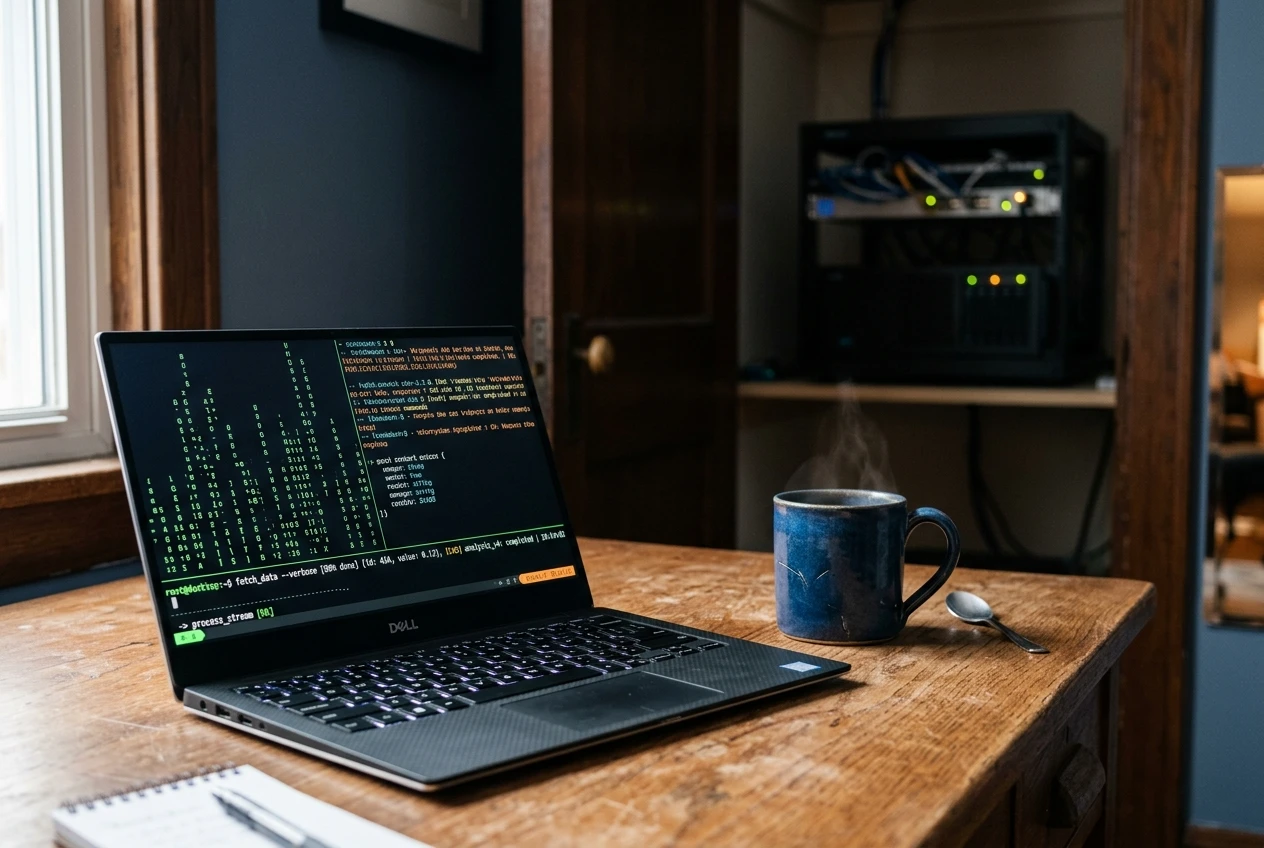
Sunday afternoon with a coffee is one workable slot. The work itself is mechanical. Take a snapshot of the root and home subvolumes, run the package manager, reboot the machine, and verify the desktop comes back. If a kernel or driver update broke something, the snapshot is the rollback path, and the worst case is a managed reboot inside a window that does not collide with a meeting. Joe’s win condition for treating his laptop as another host was that updates stopped being an event and became a routine. The boring part is the point. Any window that gets repeated more often than the next unplanned update cycle is the right window.
The maintenance window is also a forcing function for testing. Boot the system, log into the desktop, open a browser tab, and launch a game if the laptop is a gaming machine. Anything that quietly broke between this window and the last one surfaces inside the window, where there is time to fix it. The same instinct is what pushes most operators to keep their configuration under version control rather than in their head. Drift is easier to spot in a git repo than in memory.
Sunday afternoon is not load-bearing. Tuesday morning before breakfast is fine. What matters is repeatability. A window that gets rescheduled to when I get around to it is the same as not having one at all.
Snapshot First, Update Second
The cardinal rule of any sysadmin playbook is to never touch a running system without a rollback path. A Linux laptop gets that rule for free with Btrfs, a copy-on-write filesystem where creating a snapshot copies effectively nothing and finishes in roughly a second. That speed makes pre-update snapshots trivial rather than costly. Trivial snapshots get taken. The discipline matters more than the storage layout.
On CachyOS, the snap-pac default snapshot behavior on CachyOS wraps the rule into the package manager itself. The CachyOS documentation states that snap-pac is included by default and that Snapper will automatically create snapshots before and after any package installation, upgrade, or removal. With Limine as the boot manager, snapshots show up in the boot menu without extra configuration, which is how the original test machine inherited the habit of skipping the grub-btrfs setup step. Snapshots stop being a separate workflow. They become the byproduct of updating.
Snapshot hygiene needs two practical anchors. First, keep the count small. The CachyOS documentation recommends a maximum of 10 snapshots to keep, because older snapshots grow less useful and may introduce compatibility issues with newer software versions on rollback. Second, snapshot the right subvolumes. CachyOS defaults to splitting /home, /var/cache, /var/tmp, /var/log, /srv, and / into independent subvolumes, which lets each one be captured and restored on its own schedule.
| Feature | Btrfs snapshot | Full system backup |
|---|---|---|
| Capture time | About a second | Minutes to hours |
| Storage cost | Near-zero until files change | Full target size |
| Survives a bad update | Yes | Yes |
| Survives a dead disk | No | Yes, if kept off-site |
| Rollback path | Reboot to the snapshot entry | Restore files or full image |
| Best suited to | Undoing a recent change | Hardware loss, theft, ransomware |
Run Patching at Two Speeds, Not One
This is where blindly copying a server playbook goes wrong. Server patching is not automate everything. It is automate what is dangerous to delay, schedule everything else. The split into two speeds is what makes the routine survivable on a personal machine.
On Debian and Ubuntu, the security side rides on unattended-upgrades. The package is installed by default on most Ubuntu Server installs, and operators typically restrict Unattended-Upgrade::Allowed-Origins to the base and -security pockets. Anything with a wider blast radius goes on a configuring unattended-upgrades for Ubuntu security patches Package-Blacklist, so it waits for the maintenance window. Common blocklist patterns include linux-image-*, linux-headers-*, and a regex like linux-.* that catches every kernel update. Fedora exposes the same split through dnf-automatic. The blocklist is opinionated on purpose. A browser’s libssl patch is small, reverses on the next reload, and is dangerous to delay. A kernel or NVIDIA driver change is none of those three.
- Kernel images and headers, written as
linux-image-*andlinux-headers-*. - Kernel meta-packages, written as a
linux-.*regex. - GPU driver packages, typically anything matching
*nvidia*. - Server-style stacks you manage manually, such as
postgresql-*ornginx. - Anything whose name you don’t recognize, which is allowed to update and audited afterward.
Why Snapshots Are Not Backups
Snapshots and backups look similar but answer different questions. A Btrfs snapshot answers how fast can I undo a bad change. A backup answers how much data survives a dead SSD. Snapshots live on the same disk they protect. When the disk dies, the snapshots die with it. The CachyOS documentation puts the limitation plainly: snapshots are not useful for recovering from hardware failures, including failing hard drives.
The simplest rule that keeps the two straight is 3-2-1: three copies of any important data, on two different storage media, with one copy kept off-site. The 3-2-1 backup rule explained by Backblaze, citing the United States Computer Emergency Readiness Team, defines the rule as keeping three copies across two storage types with one off-site. For a Linux laptop, that maps to one snapshot-bearing local disk, one local NAS or external SSD receiving versioned backups of /home, and one off-site copy, either a cloud backup or a drive rotated to a second physical address.
The third rule server admin thinking forces onto a laptop is the one most home users skip. Test the backups. Backups that have never been restored are a hypothesis, not a reliable copy. Joe’s habit, picked up from a real failure, is to restore a few files and a full directory tree every few months to prove the backups still work. The cue came from a backup job that had been silently failing on a permissions error for months, leaving him with nothing to recover when the time came.
Test cadence depends on how often the data changes. A laptop’s ~/Documents directory deserves a more frequent check than an immutable home video archive. Pick a date on the calendar and put the test inside the maintenance window.
The Payoff Is the Absence of Drama
None of this is exotic. snap-pac is a package. unattended-upgrades ships in main. Btrfs snapshots are free, and off-site storage is a recurring bill. The reason the routine works on a Proxmox box but goes missing on a personal laptop is straightforward: laptops get ignored between patches. Once a laptop joins the same fleet as a server host, the operational difference collapses.
My laptop went from one of the flakiest machines in my house to just another appliance.
That line came from XDA writer Joe in a July 2026 essay, after moving his own laptop into the same maintenance routine as his Proxmox hosts. The reliability did not come from a new distro or a faster SSD. It came from a posture that treated the laptop as one host in the fleet rather than as a separate thing waiting for a notification icon. Once the posture is shared, the playbook is the same.
The win shows up as invisibility. No update dread before standups. No lost afternoons to a half-broken kernel. No reinstalls from a year-old image because something went sideways in May. The laptop becomes what a well-run server already is: a quiet appliance that does the thing when you reach for it. The payoff of the entire server-maintenance playbook on a personal machine is the absence of drama.
Frequently Asked Questions
What does treating a Linux laptop like a server actually mean?
Treating a Linux laptop like a server means applying the same maintenance posture an admin applies to a fleet host: a scheduled update window that repeats on a fixed cadence, snapshot-first rollback before any package change, two-speed patching that automates security and delays anything risky, and backups that are tested rather than assumed. None of those pieces require server hardware. All of them are free to start; only the off-site copy needs an ongoing subscription.
How often should a Linux laptop be updated?
A weekly maintenance window is one default that works for most personal machines. Update cadence matters less than the repeatability. The rule from server practice is that updates land when you choose, not when an icon nudges you. A nightly unattended security-only pipeline fills the gaps between feature-update windows without overlapping them. Anything tagged security gets the green light immediately, while kernels and GPU drivers stay on the schedule.
Is unattended-upgrades safe on a desktop install?
On most Ubuntu and Debian installs, the package is present and starts disabled or narrowly scoped out of the box. Operators typically restrict the Allowed-Origins list to the -security pocket, so non-security updates never land without a manual command. The standard production pattern adds a Package-Blacklist for items the admin manages manually. Common blocklist patterns include kernel images, kernel headers, and any third-party GPU driver package.
What is the difference between a Btrfs snapshot and a backup?
A Btrfs snapshot answers how fast an operator can undo a bad change and lives on the same disk as the data it protects. A backup answers how much data survives a dead disk and lives on a different medium, typically with one copy off-site. Snapshots restore a recent known-good state in one reboot; backups restore data after a hardware loss or a ransomware event.
How do I test Linux backups?
Pick a restore exercise and run it inside the maintenance window. Restore a handful of files and one full directory tree to a scratch location, open them, and confirm the contents match. Repeat the test every few months. The exercise catches silent failures such as permissions errors, missing incremental deltas, and corrupted cloud syncs long before a real disaster forces the same test under stress.
